
Products
The products a project is built from. Start with one, and add the others when the building needs them: they share one map and one catalogue.
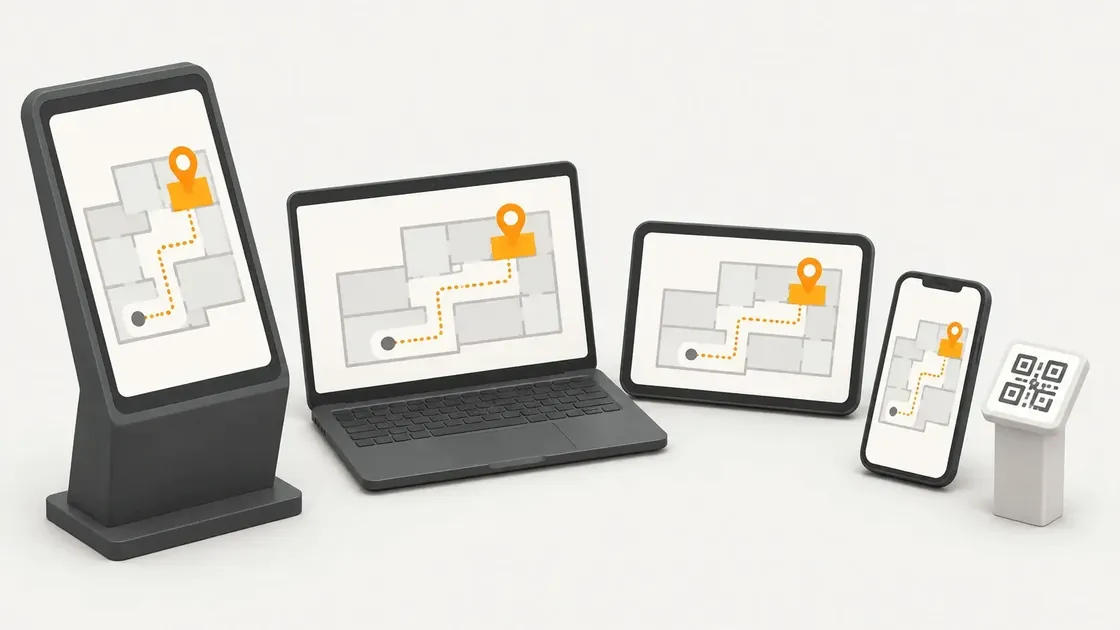
Interactive navigation
One map of the building on touch kiosks, on your website, by QR code and in your mobile app. A route from “you are here” to a shop, an office or a lecture room.
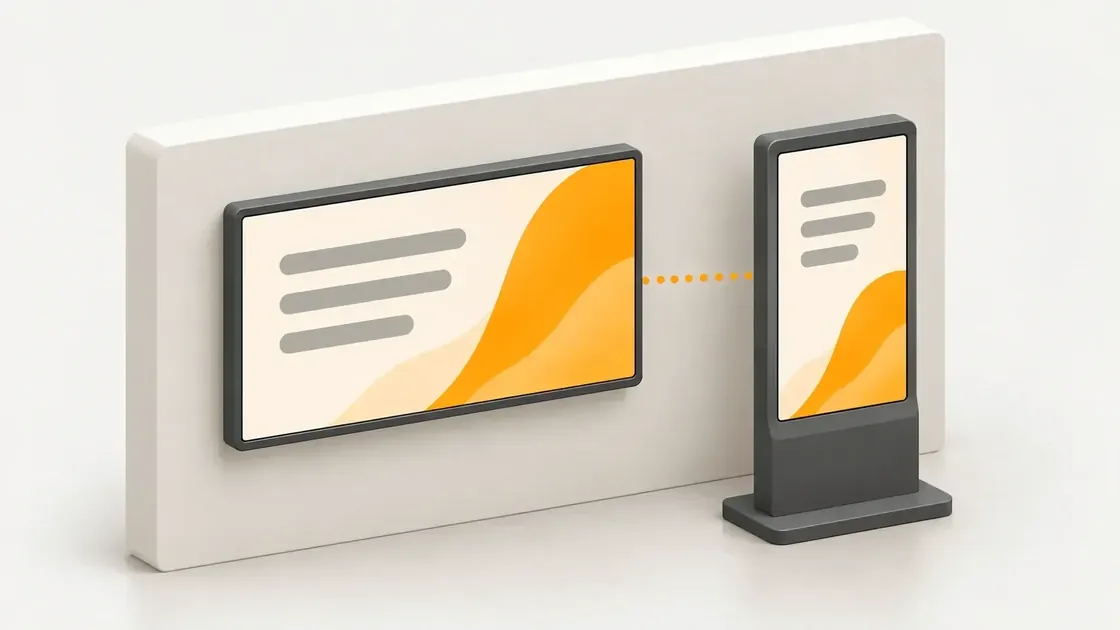
Media screens
Advertising, offers and tenant news on the building’s kiosks and screens, published from one place and on a schedule.
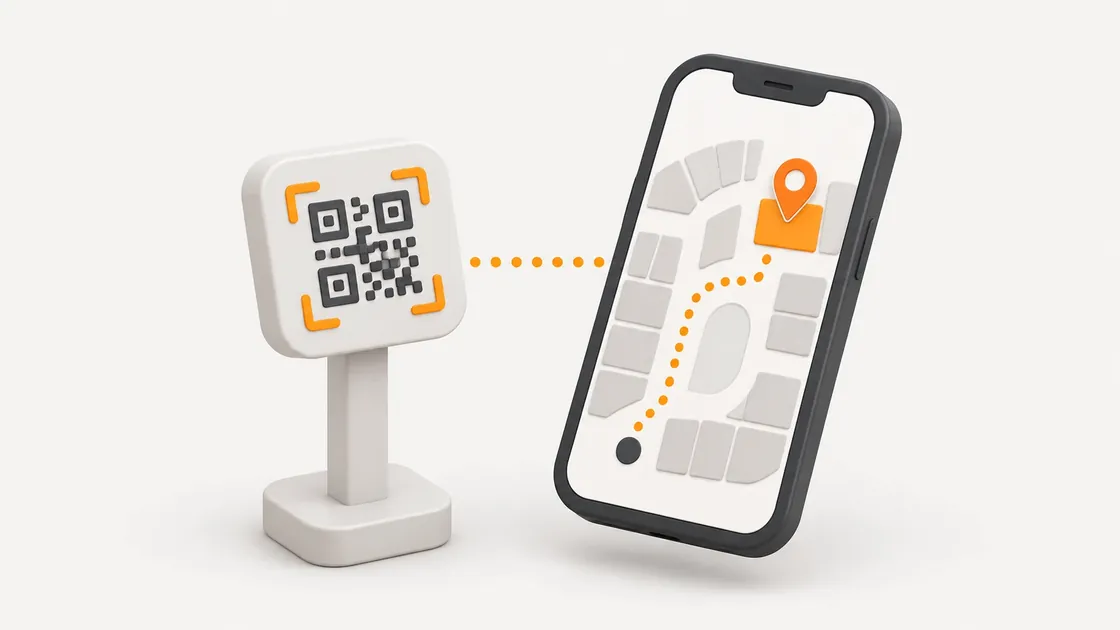
QR navigation without kiosks
The building map opens from a QR code at an entrance or on a sign, in the phone’s browser. No app, and no hardware to install.
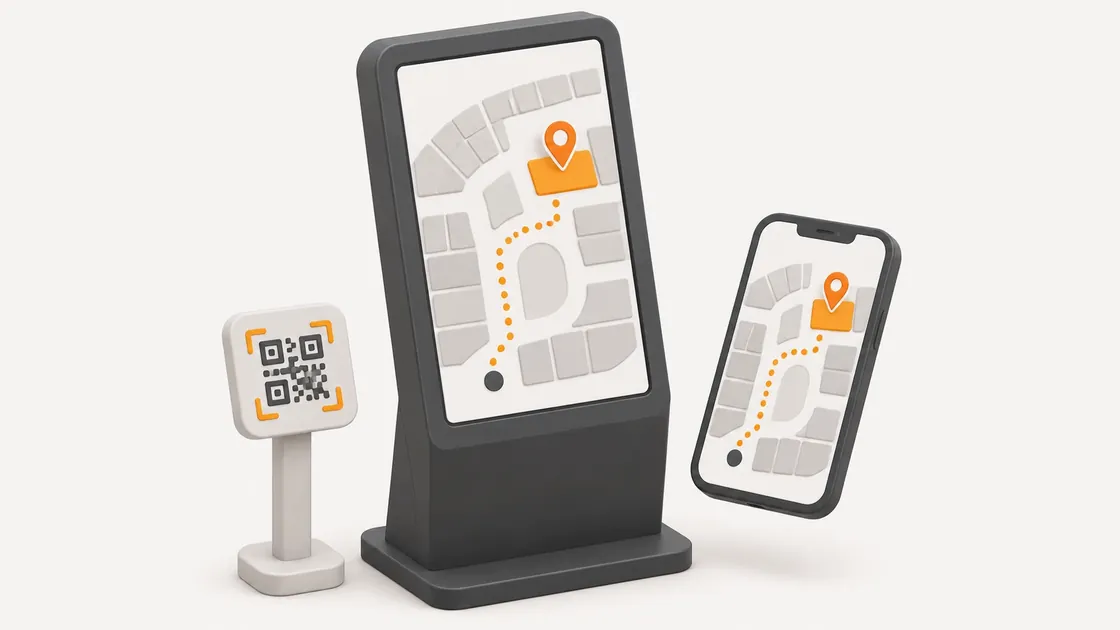
Kiosk software
The map, the catalogue and advertising on one touch screen. We install the software on kiosks you already have, or help you choose new ones.
These products run in production buildings today. The modules of Building OS, our new platform, are a separate list: see the platform’s modules. Building OS runs for demonstration buildings only.
In production today
Measured 27 September 2026
- 32
- Buildings live in production
- 177k
- Visitor sessions a month
- 430
- Kiosks in live buildings
The figures count the buildings that run our products today: shopping malls, business centres and university campuses, on our first-generation platform. Not every building runs every product.
How a project goes.
From your floor plans to the first working kiosks, usually in 2–4 weeks.
Vector map
We draw the building and its grounds from your plans: floors, rooms, entrances, lifts and parking.
Content and integrations
We load the directory of tenants, services and events, and connect your website, your app and the kiosks you already have.
Launch
We install the software on the kiosks, place the QR codes and embed the map in your website. We train your administrator.
Support
We update the map and the content with you, watch that the kiosks are working and answer support requests.
Next step
Bring one building. Then the portfolio.
Tell us about the building. We reply within one working day.