Building operations platform
The building should tell you before the tenant does.
One platform across every system in the building — monitoring, maintenance, wayfinding, leasing and access — running on infrastructure you control.
- Source
- IFC · CAD · CSV — or no model at all
- Deploy
- Your cloud · on-premises · air-gapped
- Protocols
- BACnet · MQTT · Modbus · REST
scripted demo
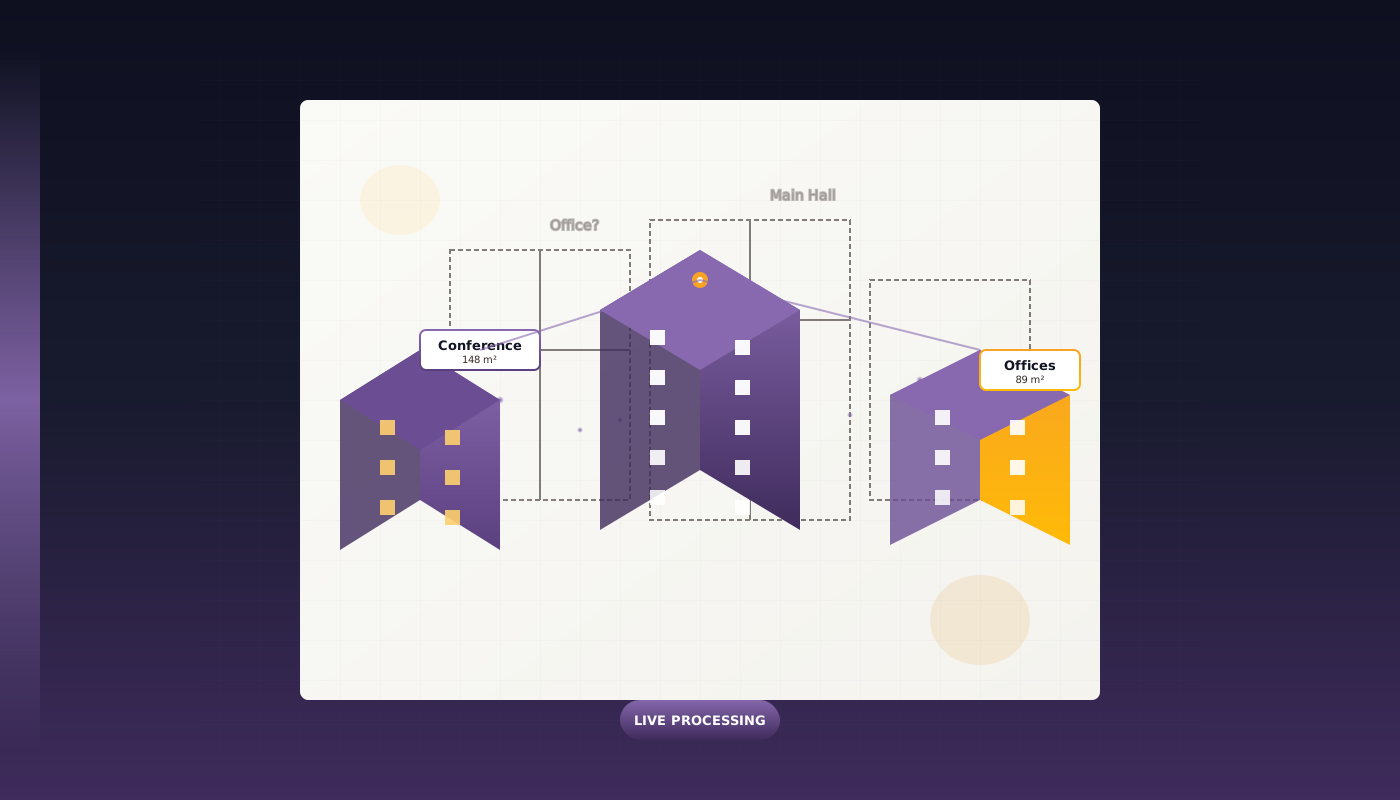
Ask about the café, the lifts or the leases — answers come from the model on the right, and the building points at what it means. The shipping Copilot answers the same questions over MCP.
Click a room, the lift core or the roof plant · drag to orbit
- Leased space
- Bookable room
- Restricted
- Common area
- Lift core · roof plant
- Sensor
- People
Generated demo building
In production today
Measured 3 August 2026
- 29
- Buildings live in production
- 164k
- Visitor sessions a month
- 409
- Kiosks in daily service
Shopping centres, business centres and university campuses. Those buildings run our first-generation platform. Building OS is where they are moving.
One model
Every system, pinned to the same building.
Generated demo unit · states, not figures
Building graph
Start with one space.
Retail unit 1.02, storey 1. Imported from the IFC or drawn by hand, it is a node in the building graph: a storey above it, a corridor beside it, a door onto the mall.
Leases
The lease is pinned to it.
The tenant, the term and the renewal window are attributes of the same node -- not a row in a separate system that happens to mention the unit number.
CAFM · Equipment
So is the fan-coil unit inside it.
The asset register hangs off the space. When its filter pressure drifts, the work order is raised against the unit, and the lease already knows which tenant to notify.
IoT · WiFi Sensing
And the sensors that watch it.
Temperature, presence and door state stream into the same node. A reading is never anonymous: it belongs to a space, and the space belongs to a tenant and a floor.
Wayfinding
Visitors are routed to it.
The kiosk in the lobby finds the unit through the same graph the operators use. Rename the tenant in the lease and the kiosk directory is already right.
Service Desk
One object. Every system.
The ticket the tenant raises lands on the node with the lease, the asset, the readings and the route. That is what one model means -- and why a map alone was never enough.
The other half
See what a visitor sees.
The model above is what the people running the building work with. This is what the people in it touch: the same platform, serving wayfinding on the kiosks by the entrance and on the phone in a visitor’s hand. Not a mock-up — the live app for Metropolis, Moscow, running since 2020.
- Kiosk cabinets
- 24
- Interactive screens
- 44
- Why the two differ
- Twenty of the cabinets are double-sided, so they serve two screens each.
Scan it. It is the real thing.
The first building we put online, and still running. Point a phone at the code and the map opens where a visitor standing in the building would start.
Open Metropolis in a new tab →Metropolis · Moscow · live production app
Import
A drawing is not a model. This is the difference.
Every building arrives as a drawing — an IFC export, a DWG, a PDF, or a floor plan someone drew once and never updated. The importer’s job is to turn it into something the rest of the platform can hold onto. Watch it happen: the spaces, areas and links below are read out of the file on this page, in your browser.
Retail floor
The drawing
Lines on a page. No structure, no identity — nothing a system can act on.
Spaces found
Closed footprints become spaces, each with an area and a centre.
Graph built
Spaces that touch are linked. This is the skeleton every module reads.
Identity attached
Names come off the drawing; a lease, an asset or a sensor can now be pinned to a space rather than to a coordinate.
Your file never leaves this page — it is read and parsed in your browser, and there is nowhere for it to be sent. This preview reads room footprints and adjacency only; georeferencing, storey stitching and re-import reconciliation run server-side in the real importer.
Built for the building you actually run.
The jobs a shopping centre has to get done are not the jobs a hospital has. Each of these is derived from research into what the people in that building are trying to do.
How we compare
They sell a map. We sell the building's model.
Indoor mapping platforms store geometry with labels on it. Building OS stores a semantic graph — site, building, storey, space, element — so a room is one object that a work order, a lease and a route all point at, rather than a polygon three systems each keep their own copy of.
Including where the other product is the one to buy
Three phases. Nothing you already own gets replaced.
We've seen what over-engineered rollouts do to teams. Our onboarding is structured, predictable, and doesn't require you to replace anything you already have.
Weeks 1–2
Map your building
We digitize your floor plans and load your asset register. No new hardware required to get started — your existing building data is enough.
Weeks 2–5
Connect your systems
We integrate with your existing BMS, IoT sensors, and third-party systems. Or start completely hardware-agnostic and add sensors later on your schedule.
Weeks 6–8
Go live — and stay live
Your team is fully operational. No app download required for visitors — QR-based access works on any phone. Dedicated support included from day one.
No app download
Visitors use QR codes — works on any device.
Hardware-agnostic
Keep your existing sensors and systems.
Your data stays yours
Cloud-agnostic — deploy on-prem or in your cloud.
32 modules on one building graph.
From IFC import and wayfinding to leasing, work orders and occupancy sensing. Every module reads and writes the same graph, so nothing has to be reconciled twice.
Accounts Receivable
Operations
Analytics
Analytics
Audit Logs
Infrastructure
BIM
Operations
CAFM
Operations
Checklists
Operations
Clean Rooms
Operations
Classroom Comfort
Analytics
Compliance
Operations
Dashboards
Analytics
Data Import & Onboarding
Operations
Equipment
Operations
Events
Engagement
Facility
Operations
Finance
Operations
Finance Workspace
Operations
IoT
Infrastructure
Leases
Operations
Loyalty
Engagement
Map Editor
Operations
ML Insights
AI
Multimedia
Engagement
Notifications & Email Automation
Infrastructure
OPEX
Operations
Parking
Operations
Promotions
Engagement
Robotics
Operations
Room Booking
Engagement
Service Desk
Operations
Wayfinding
Engagement
Web3
Infrastructure
WiFi Sensing
Infrastructure
Start where it hurts
Bring one building. Then the portfolio.
A working session on your own floor plans and asset register — not a slide deck.