
Digital signage · schedule · tenant advertising
Content on every screen in the building.
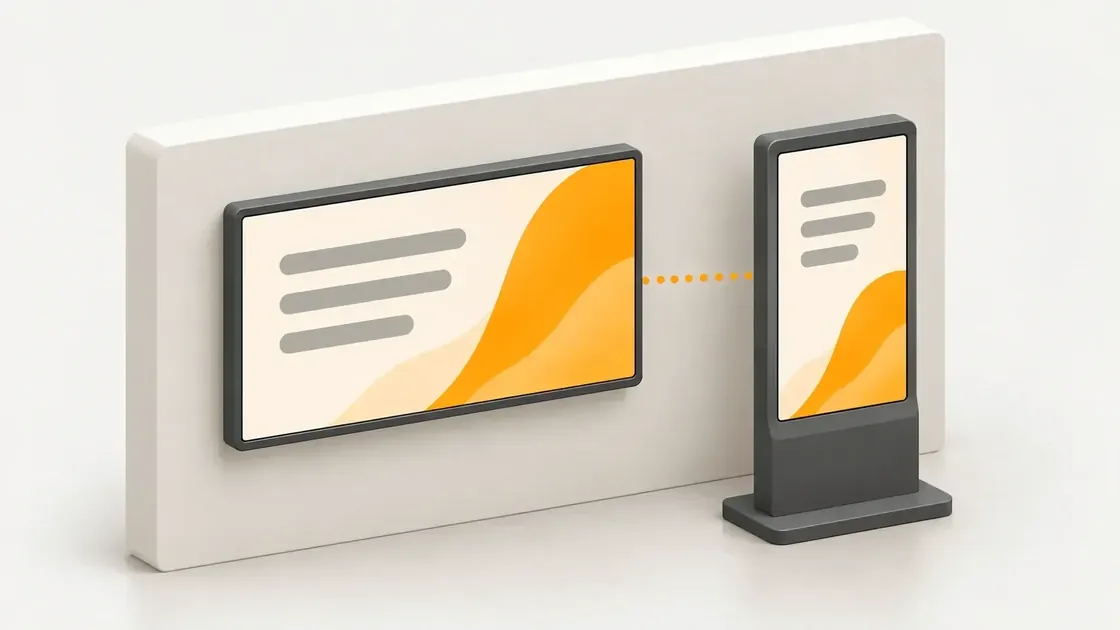
The building’s kiosks and screens are managed from one place. Tenant advertising, offers and news go out on a schedule, from the same catalogue as the map.
In production today
Measured 27 September 2026
- 32
- Buildings live in production
- 177k
- Visitor sessions a month
- 430
- Kiosks in live buildings
The figures count buildings, visitor sessions on the map and kiosks in the buildings that run our products today, on our first-generation platform. They do not count media screens, and not every building runs every product.
What you get.
Start with what the building needs now. The other products run on the same map and the same catalogue, and can be added later.
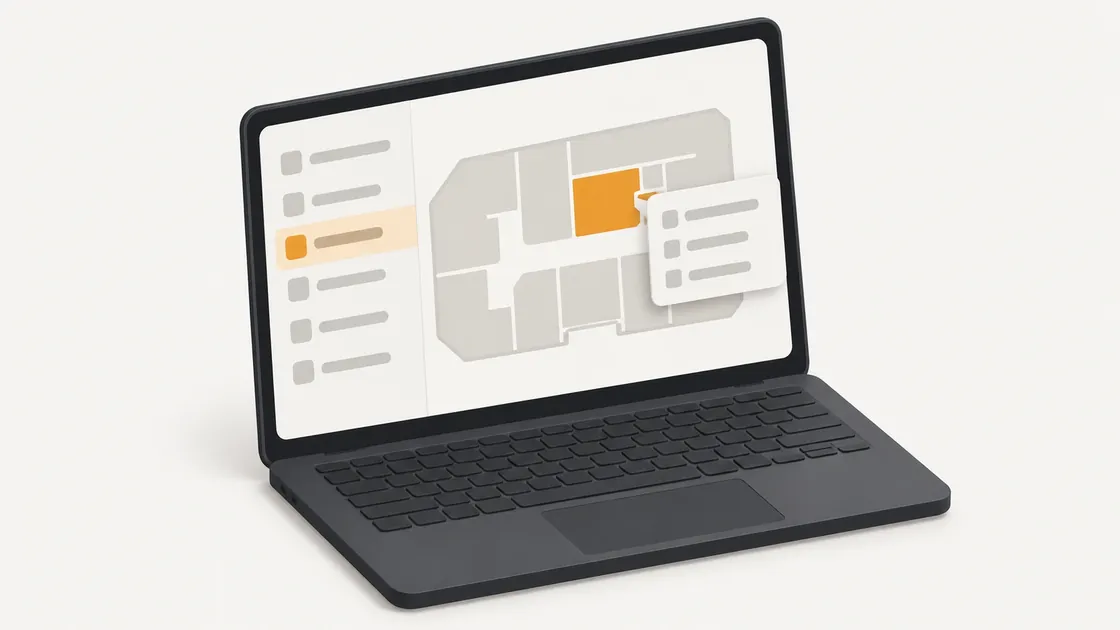
One place for every screen
An offer is created once and published to the screens it is meant for, not loaded onto each one.
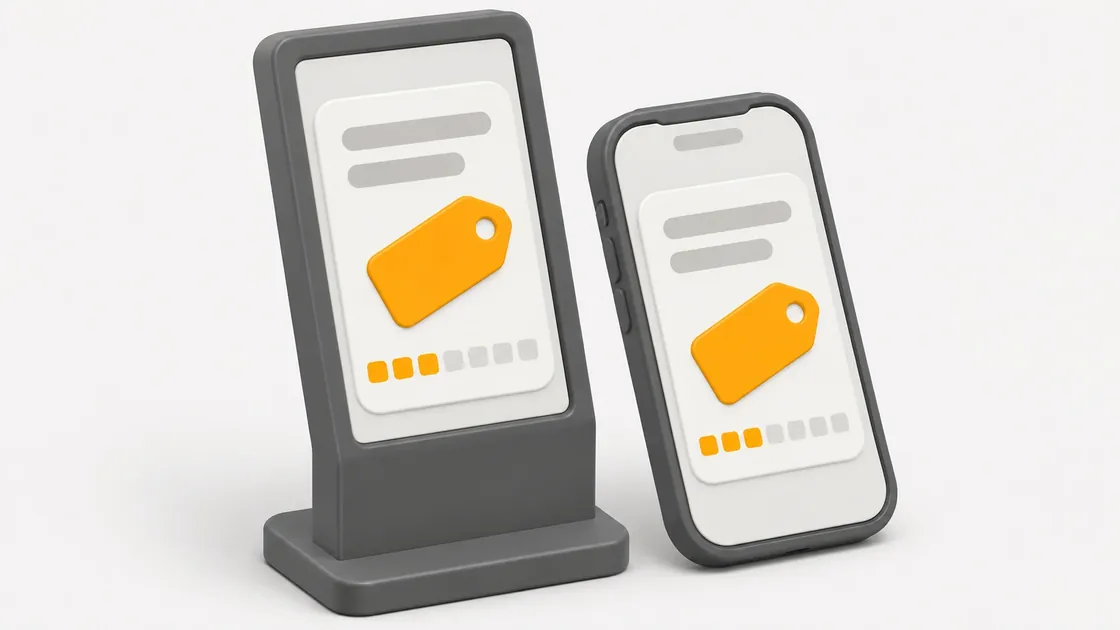
Advertising, offers and news
Tenant advertising, offers and news play on the kiosks and on the building’s screens.
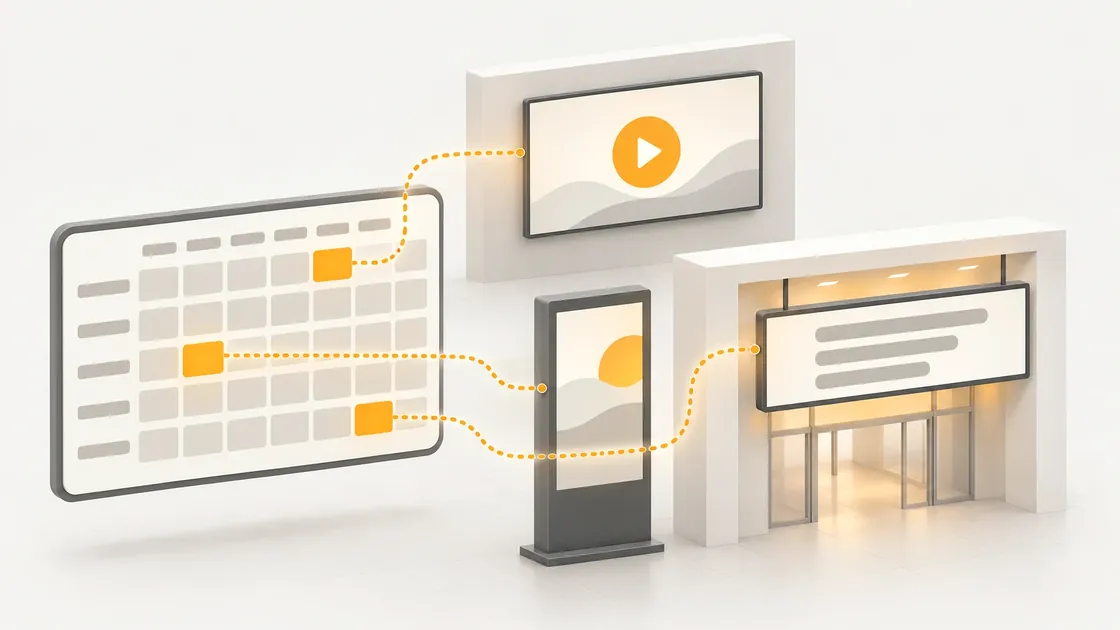
Published on a schedule
Content goes out at the times you set, so nobody has to change it by hand on the day.
One catalogue with the map
Tenants and events come from the same catalogue as the building map, so one piece of content works on the screens and in navigation.
In short.
- Every screen and kiosk in the building managed from one place, not a set of separate players
- Content is published on a schedule: nobody loads files onto each screen by hand
- Tenant advertising, offers and news on kiosks and building screens
- The software runs on screens and kiosks you already have: new hardware is optional
What the price depends on.
- How many screens and kiosks are in the network
- How much of the schedule we set up and maintain for you
- How much content has to be prepared, loaded and kept up to date
- Integrations: the tenant catalogue, your website, other systems
- Where the platform runs (our cloud or your server) and the level of support
We quote after a short brief. A project includes: a licence for the building · the building map and the objects on it · device set-up · implementation and changes · administrator training · warranty and support.
How a project goes.
From your floor plans to the first working kiosks, usually in 2–4 weeks.
Vector map
We draw the building and its grounds from your plans: floors, rooms, entrances, lifts and parking.
Content and integrations
We load the directory of tenants, services and events, and connect your website, your app and the kiosks you already have.
Launch
We install the software on the kiosks, place the QR codes and embed the map in your website. We train your administrator.
Support
We update the map and the content with you, watch that the kiosks are working and answer support requests.
Find your building type.
Shopping malls, business centres and campuses run our products today. Each building type has its own page: what you get, and what the price depends on.
Next step
Get an estimate for your screens.
Tell us how many screens the building has and what should play on them. We reply within one working day.